The work · Kinspire · 2026
Lifecycle & Comms
Full-funnel journeys across email, SMS and push.
The story
Every touchpoint is part of a relationship.
I believe the moment someone engages with a brand, they’ve entered a relationship, and every touchpoint that follows should guide them, support them and feel unmistakably connected to the experience they were promised.
Kinspire began by extending pediatric occupational therapy beyond the live session, earning 5-star reviews and a 93 NPS. But between-session support wasn’t infinitely scalable: parents needed answers in the moments life was actually happening, even at 2 a.m. That insight drove Kinspire’s evolution to AI for immediate, in-the-moment support, with experts at the center of live human care.
That transformation required an entirely new customer journey. I mapped and built the funnel from the ground up, then created the lifecycle communications across email, SMS and in-app notifications to move families from first brand interaction to app download, account activation, onboarding, paid membership, ongoing engagement and, ultimately, loyal advocacy.
The goal was to make every step feel less like moving through a funnel and more like being supported by Kinspire.
Channel strategy
Every channel has a job.
Instead of sending the same message everywhere, each channel does the one thing it does best.
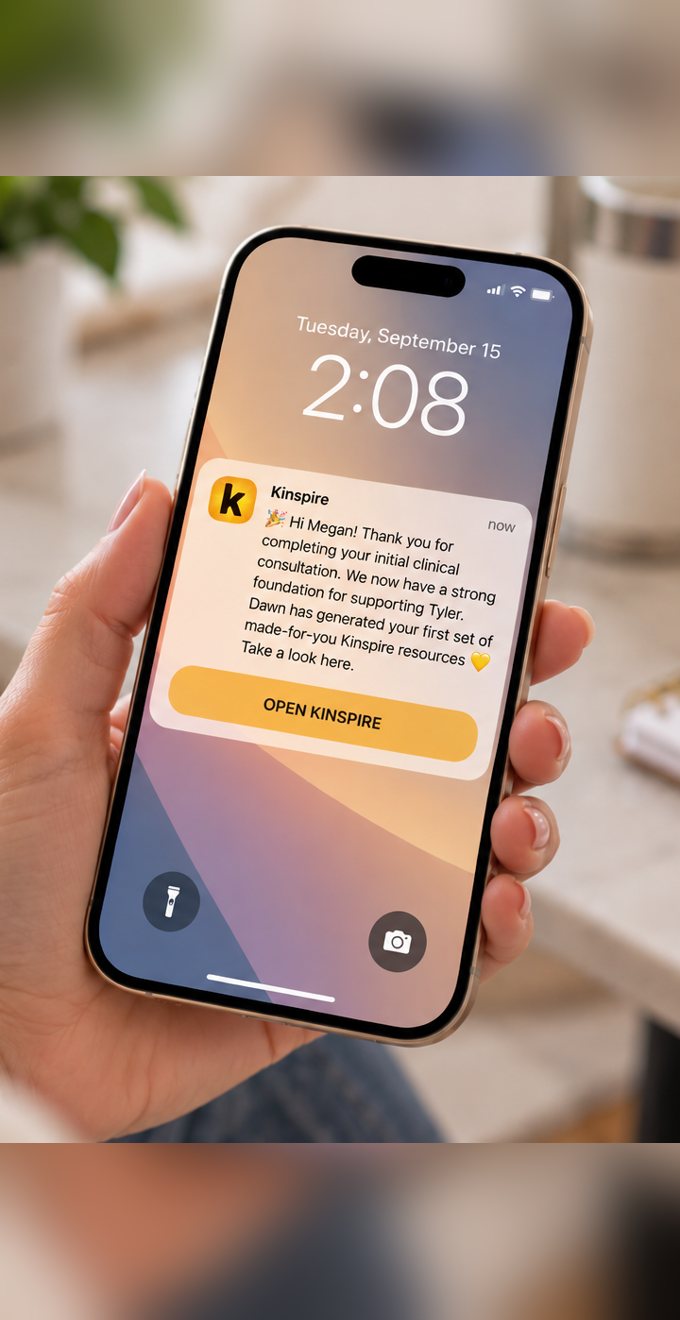
- Resources ready
- Finish onboarding
- New recommendation from Dawn
- Workshop reminders
- Time-sensitive changes
- Human outreach
- Welcome and education
- Resource roundups
- Upgrade storytelling
Sample sends
From first hello to paid member.
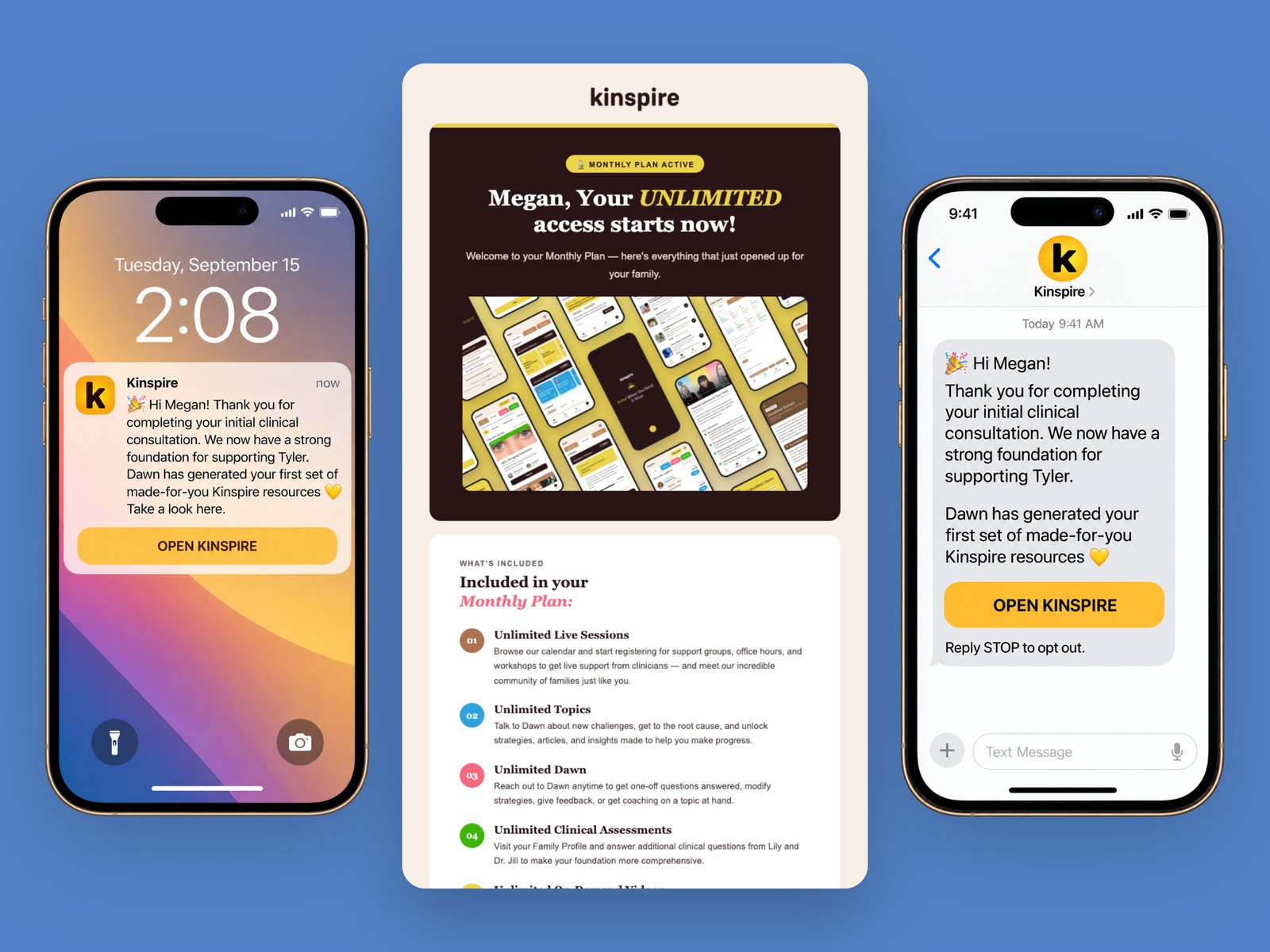
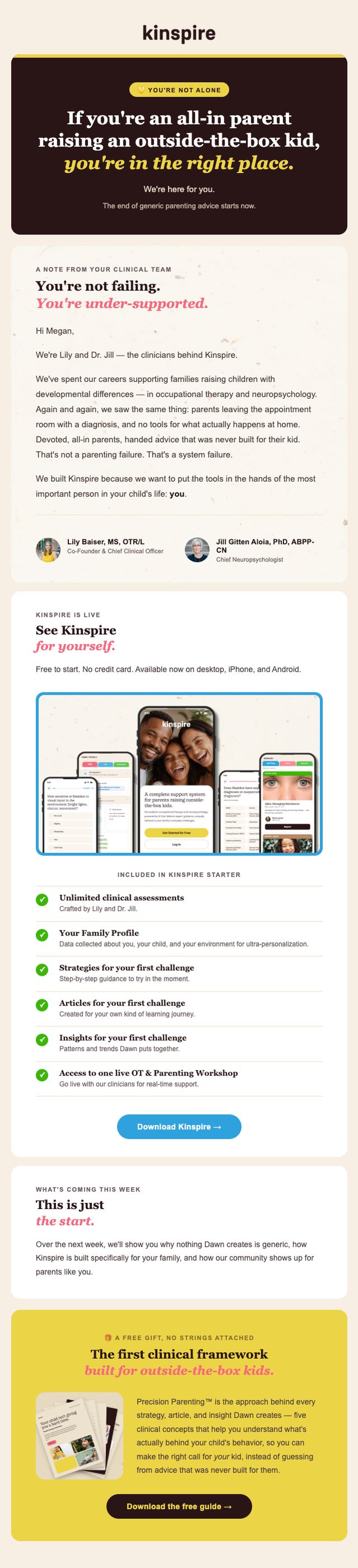
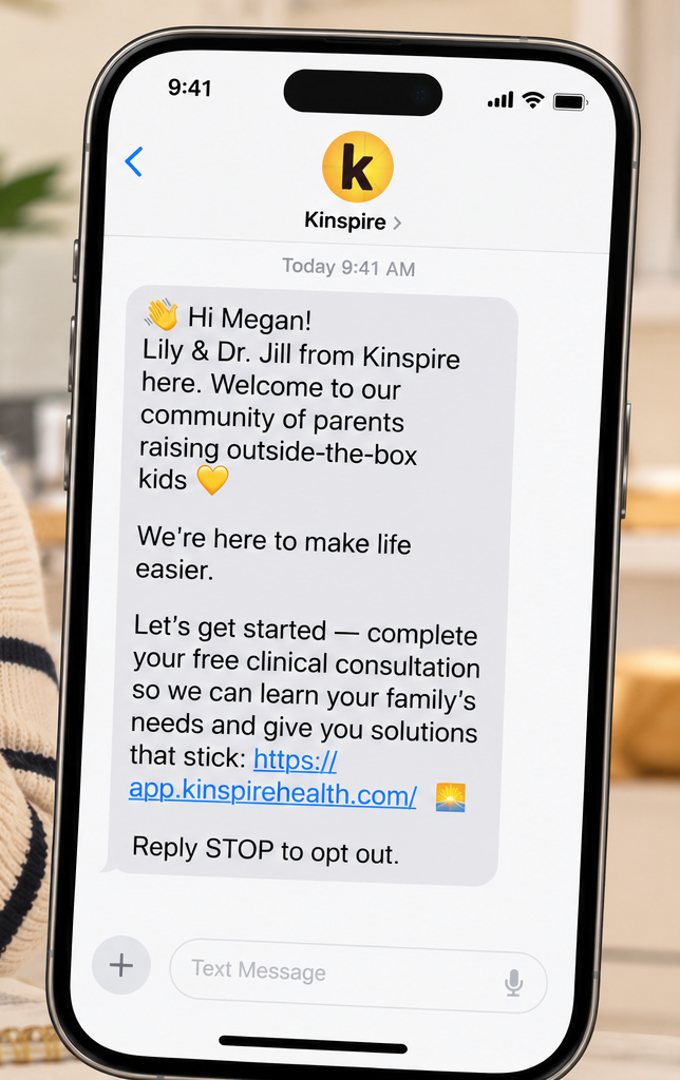
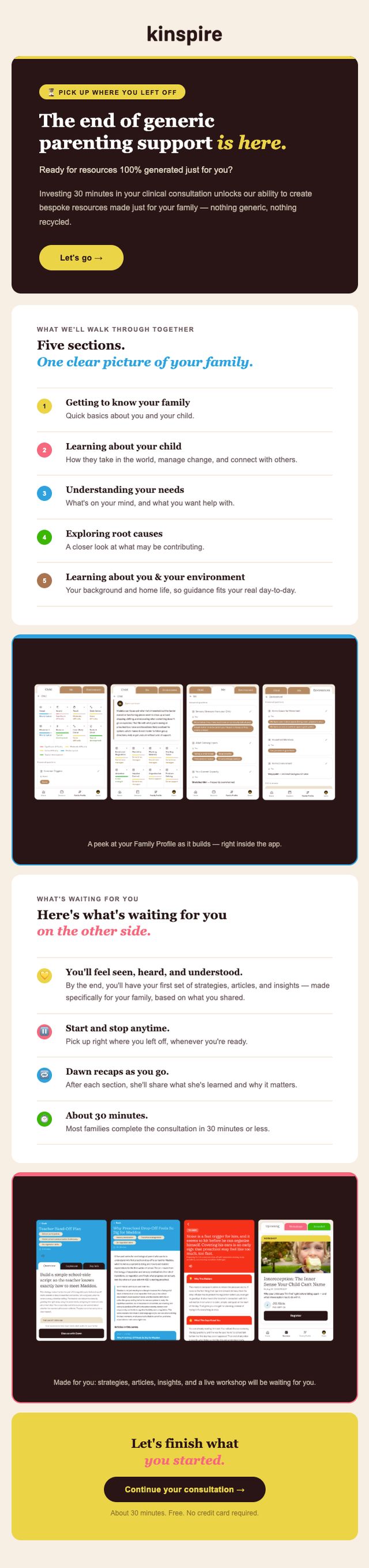
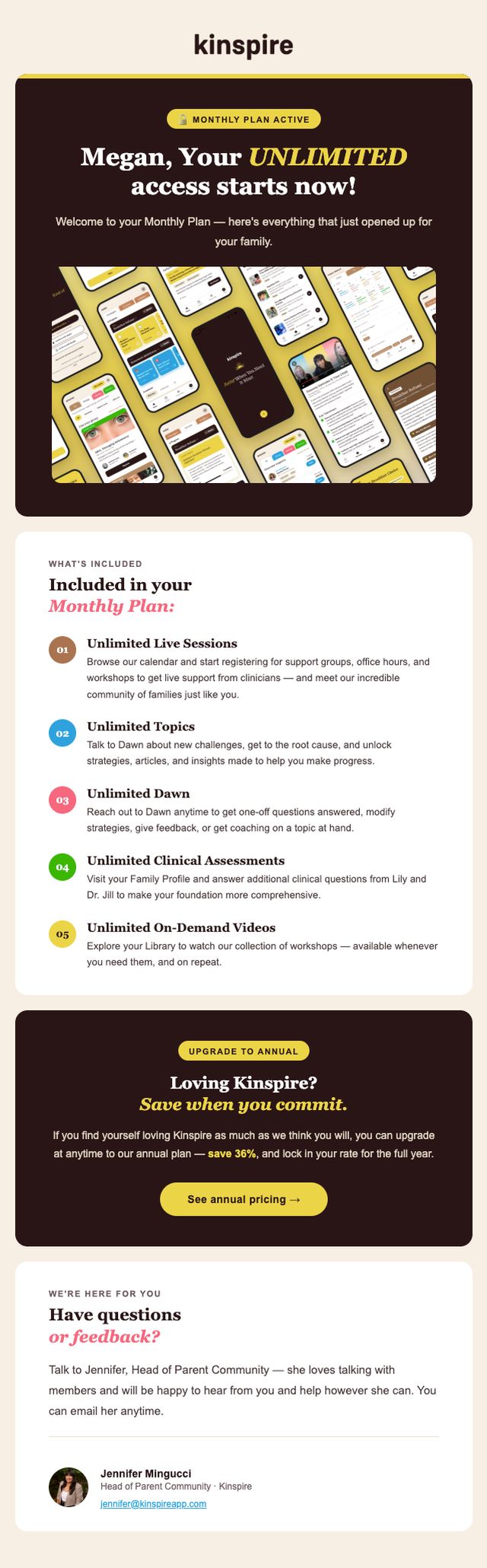
A small collection of sends across email, SMS and push. Each one builds trust and points to a single next step, and families exit the moment they move to the next stage.
- Lead
- Onboarding
- Activated
- Paid
- Loyalist
Using comms to support community events
Fill the room. Then keep the conversation going.
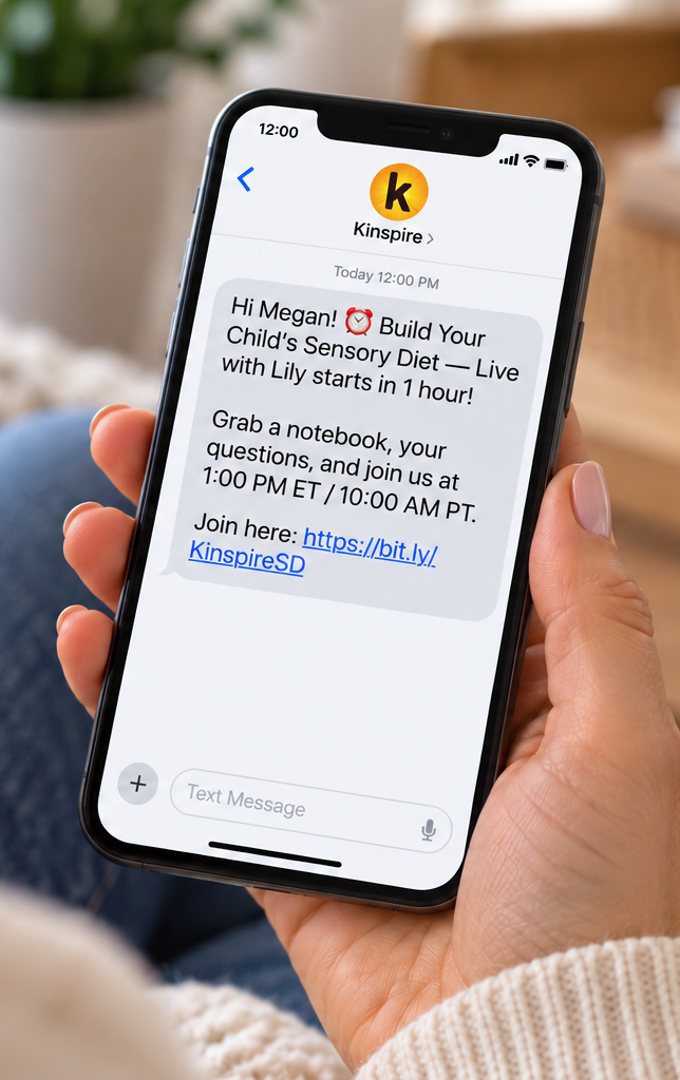
Every live session has its own journey, from asking families what they need to following up with resources after the event.
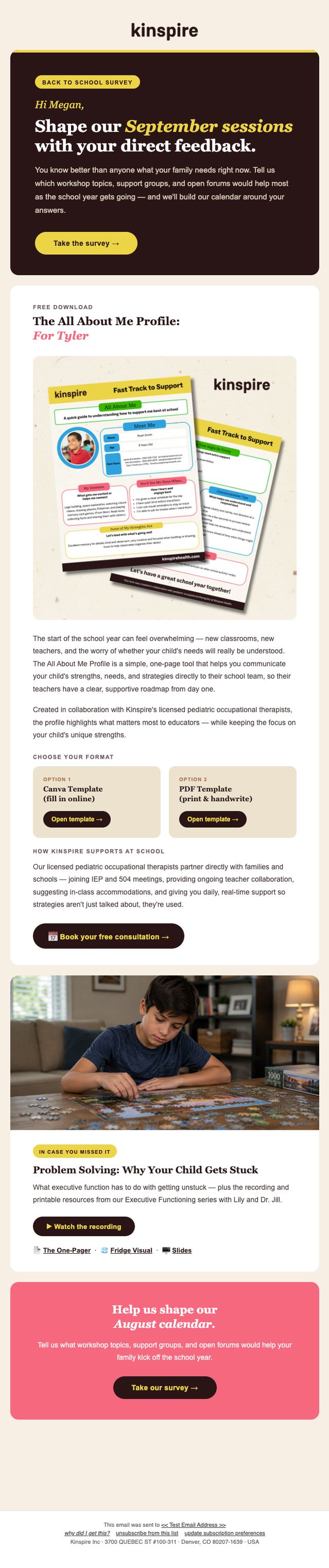
- SurveyCommunity feedback
A survey asks families what they want help with, so their answers shape the calendar.
- EmailMonthly drop
The month’s calendar, built from the survey results.
- EmailWeekly drop
This week’s events, so no family misses the one made for them.
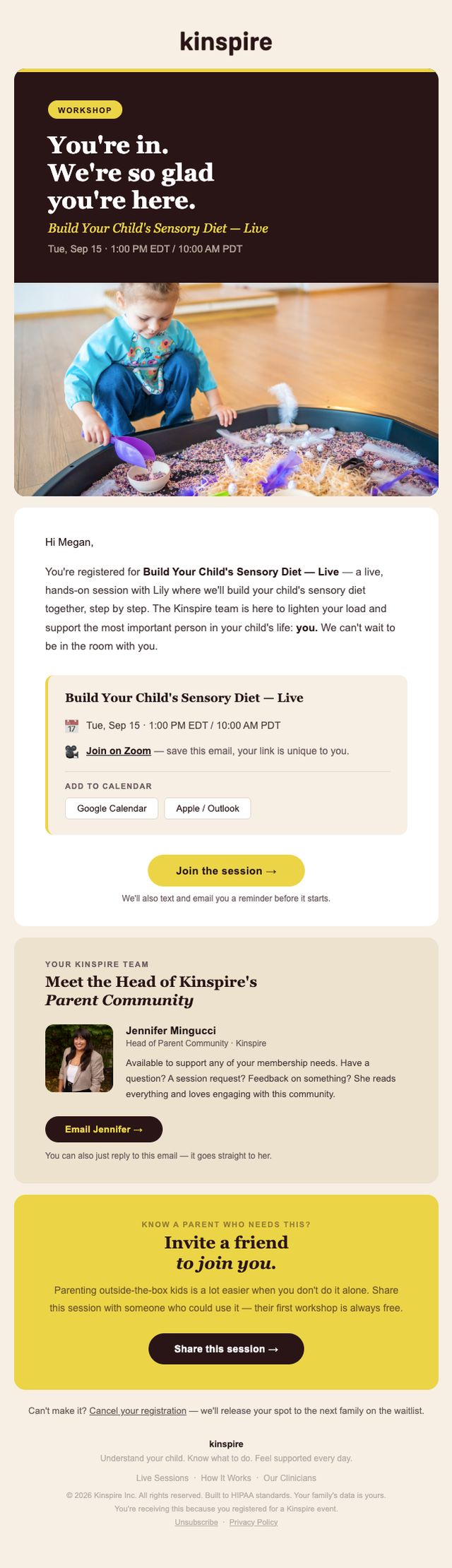
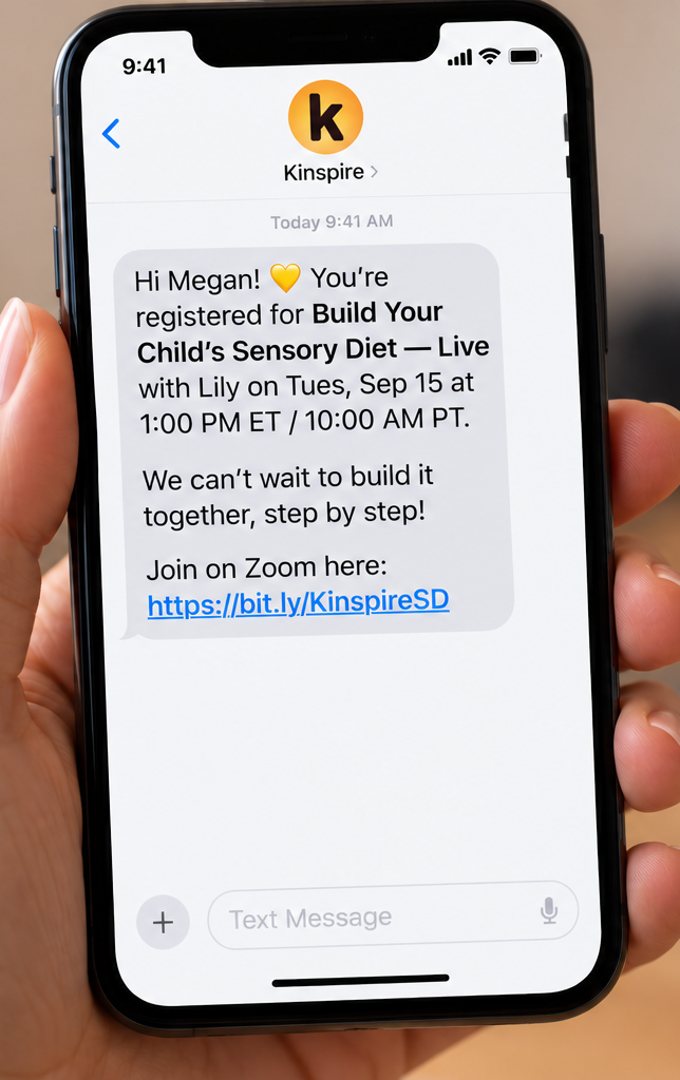
- Email + SMSRegistration
Instant confirmation in both channels, with the details families need.
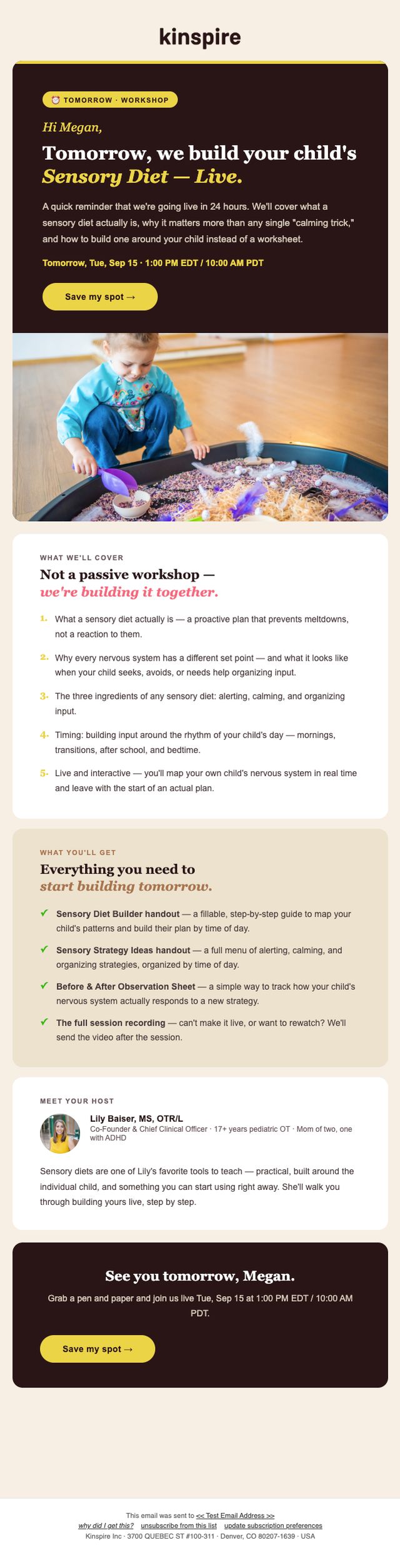
- Email24 hours before
What to expect, what to bring and how to join.
- SMS1 hour before
A quick heads-up to plan around.
- SMS10 minutes before
The join link, right when it’s needed.
- EmailAfter the event
Resources, the recording and the next step, sent while it’s still fresh.
The sends
Scroll inside each email to read the whole thing. Swipe for more.